Label Maker Review: 6 Picks for an Easier Home
A good label maker will not magically fix a packed closet or a chaotic pantry. What it can do is remove the daily guessing: where the extra batteries belong, which bin holds school snacks, and whether that container is flour or powdered sugar. In this label maker review, we looked for machines that make that small but meaningful job easy enough to keep using.
For most homes, the best choice is not the fanciest model with every font and symbol. It is the one that fits your storage habits, produces labels you can read at a glance, and does not make replacing tape feel like a surprise expense. Whether you are organizing one kitchen drawer or trying to reset an entire laundry room, the right label maker makes a system easier for everyone in the household to follow.
What matters most in a label maker review
Before choosing a model, consider where your labels will live. A portable handheld unit is great for a quick pantry reset, labeling toy bins, or sorting a dorm room. A Bluetooth model can be more comfortable if you want consistent labels across dozens of containers, since typing on a phone is usually faster than using a tiny keyboard.
Tape is the detail that causes the most frustration after purchase. Laminated tape costs more, but it holds up better in humid bathrooms, busy kitchens, garages, and laundry areas. Paper-like thermal labels are inexpensive and fast to print, but they are better suited to dry, low-contact items such as file folders, cable tags, or temporary food labels.
Also think about label width. Narrow tape is enough for spice jars, cords, and small drawer organizers. Wider tape is easier to read on fabric bins, storage totes, and deep pantry containers. Buying one label maker that supports a few useful widths is generally more practical than trying to force every job onto the same tiny label.
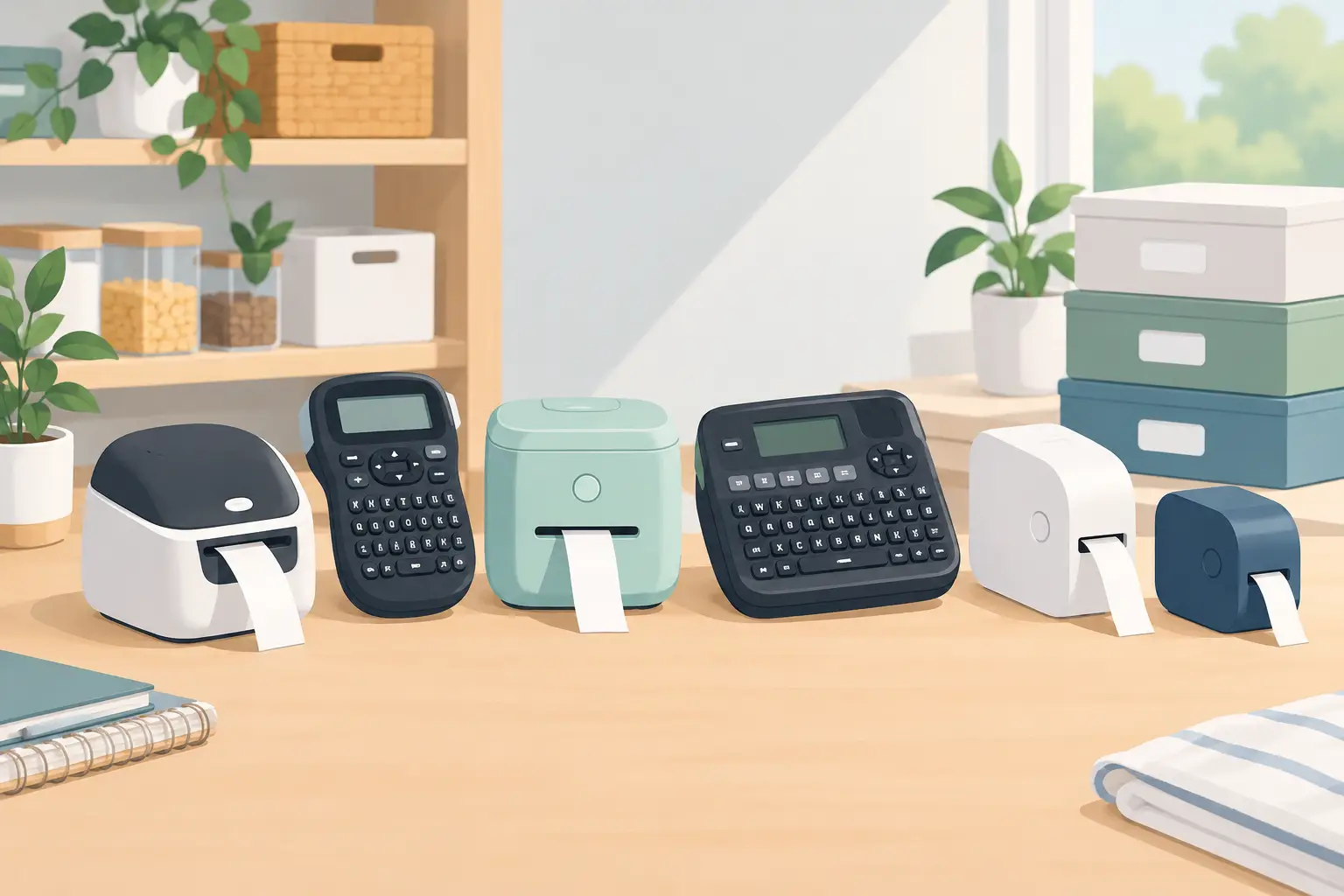
Our label maker review picks
1. Brother P-touch PT-D210: Best for straightforward home labeling
The Brother P-touch PT-D210 is a sensible pick for anyone who wants physical buttons, clear controls, and labels that can stand up to normal household use. It prints on Brother TZe tape, including laminated options that work well on plastic bins, glass jars, and frequently handled containers.
This is the kind of machine that earns its place in a utility drawer. You can pull it out, make a label for the donation bin or the bathroom backstock basket, and put it away without opening an app or connecting to Wi-Fi. The small screen and keypad do feel slow when you are labeling a full pantry, but that trade-off is worth it for people who prefer simple, dependable tools.
2. Brother P-touch Cube Plus: Best for polished pantry labels
The Brother P-touch Cube Plus is a strong choice if you care about a more uniform look. It connects to a phone or tablet through Bluetooth, so you can choose fonts, borders, symbols, and layouts from an app before printing. That is especially helpful for a pantry wall, a shared home office, or matching bins in a closet.
Because you are designing from a larger screen, this model makes batch labeling much less tedious. It also supports wider tape than many basic handheld machines, which is useful for larger bins and shelves. The downside is that app-based printing has a little more setup involved. If you only need three labels for a junk drawer, a button-operated model may be faster.
3. Brother P-touch PT-D610BT: Best for bigger organizing projects
When you are labeling an entire garage, craft room, or home office, the Brother P-touch PT-D610BT is built for the job. It has a built-in keyboard but also offers Bluetooth connectivity, letting you use whichever method feels easier for the task. Its ability to print wider labels makes it particularly useful for large storage totes and shelf edges.
This is more label maker than most people need for a few kitchen containers, and it takes up more space than a compact handheld unit. But it can be a worthwhile upgrade if your household has lots of storage zones and you want labels that stay readable from a few feet away. Think garage categories, seasonal decor bins, family paperwork, and clearly marked utility shelves.
4. DYMO LabelManager 160: Best budget keypad option
The DYMO LabelManager 160 is a practical entry-level option for people who want basic labels without a larger upfront investment. Its QWERTY keyboard feels familiar, and the machine is lightweight enough to carry from the kitchen to the closet to the home office.
It works best for ordinary indoor tasks: labeling folders, food containers, charging cords, drawer dividers, and smaller bins. Keep an eye on compatible DYMO D1 tape prices before committing, since refill costs matter more over time than the initial cost of the machine. If you want wide labels or lots of visual design choices, this is not the model to choose. For getting a simple system started, though, it does the job.
5. DYMO LetraTag 200B: Best for occasional phone-based labels
The DYMO LetraTag 200B is compact, Bluetooth-enabled, and geared toward lighter household labeling. It is a comfortable middle ground if you like designing labels on your phone but do not need professional-looking laminated tape for every project.
Use it for labels that stay indoors and dry: office files, kids’ school supplies, storage baskets, and temporary pantry categories. Its smaller label format can look neat on narrow containers, but it is less suitable for big garage bins or areas with heat and moisture. This is a good choice for renters, students, and anyone building a small organizing kit without overbuying.
6. NIIMBOT D110: Best for small, temporary labels
The NIIMBOT D110 uses direct thermal labels rather than traditional label tape. That means no ink or toner is needed, and it is quick to print simple labels from a phone. Its compact size makes it especially handy for cable labels, medication bins, small jars, and office supplies.
The trade-off is durability. Thermal labels can fade or discolor over time, particularly with heat, sun exposure, or frequent handling. Do not use this as your main tool for permanent pantry labels or garage storage. It is better treated as a fast, low-commitment helper for detailed labeling and short-term organizing projects.
Choose based on the room, not just the machine
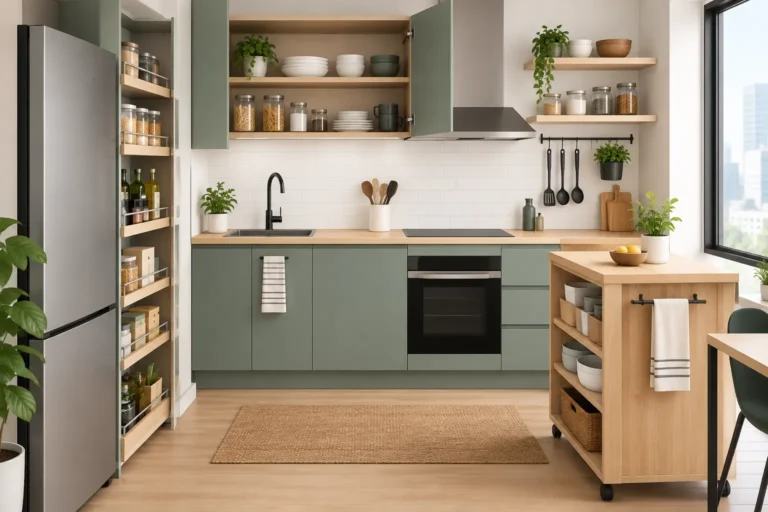
A pantry and a garage have very different labeling needs. In the pantry, you may want clean, readable labels on clear containers and baskets. Laminated tape or a durable label stock is worth paying for because of regular wiping, food splatters, and frequent handling. Use a medium-width label for baskets and wide canisters, then reserve narrow tape for spice jars.
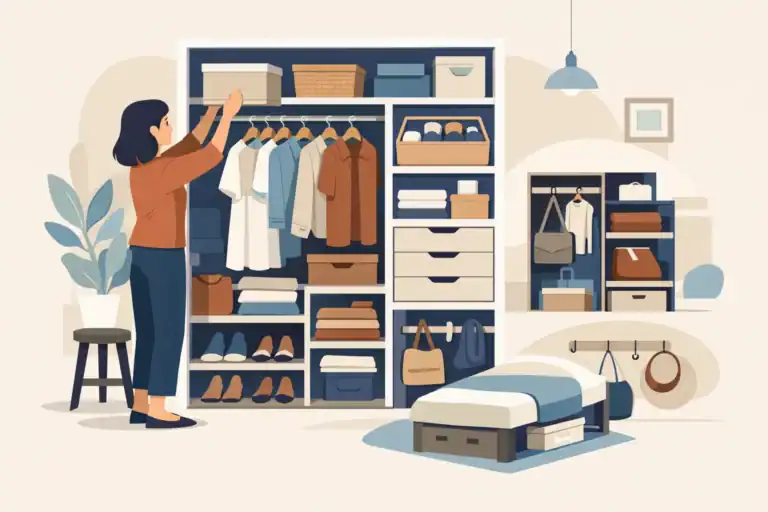
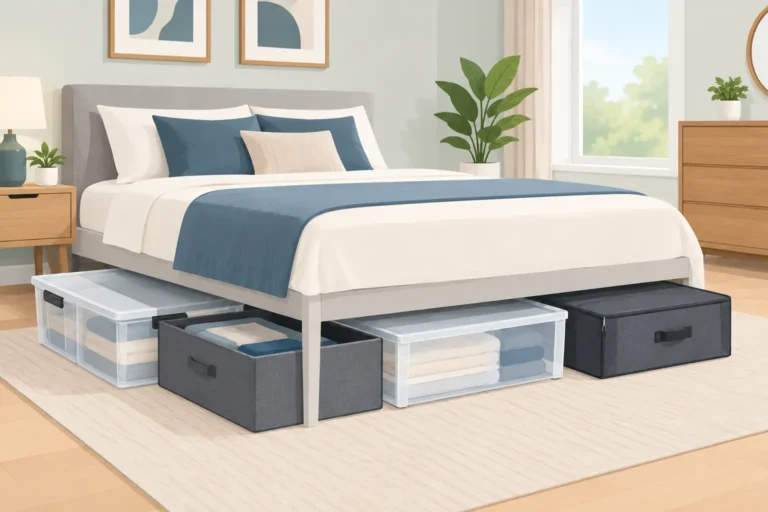
In a closet, labels work best when they solve a specific retrieval problem. Label opaque bins with categories such as winter accessories, travel items, or baby keepsakes. Avoid creating overly detailed labels that require everyone to sort items perfectly. A bin labeled charging cords is more likely to stay useful than six small bins labeled by cable type.
For a home office, readability matters more than decorative styling. Label files, charger drawers, supply bins, and backup-drive cases with plain text. In a garage or laundry room, prioritize tape that resists moisture and temperature changes. A pretty paper label may look good on day one and peel away after a few weeks.
The refill cost is part of the purchase
A label maker can seem inexpensive until you begin buying specialty tape. Before choosing, check the tape family required by the model and decide which widths you will actually use. For most homes, one standard-width black-on-white laminated tape and one narrow roll will cover a surprising number of projects.
Colorful tape and decorative fonts can be fun, but they are not always practical. High-contrast labels are easier for kids, guests, and tired adults to read. Black text on white, clear, or pale tape is usually the most flexible choice. Save bright colors for systems where color is doing real work, such as assigning each family member a laundry basket or organizing classroom-style supplies.
A simple way to start labeling
Do not begin by labeling every container you own. Start with one area that creates repeat frustration, such as the snack shelf, the cleaning-supply cabinet, or the cord drawer. Group the items first, live with the categories for a few days if needed, then print labels once the system makes sense.
The best label maker is the one that helps your home feel easier to use, not the one that turns organizing into another elaborate project. Start with the labels that save you time this week, and let the system grow only where it genuinely helps.